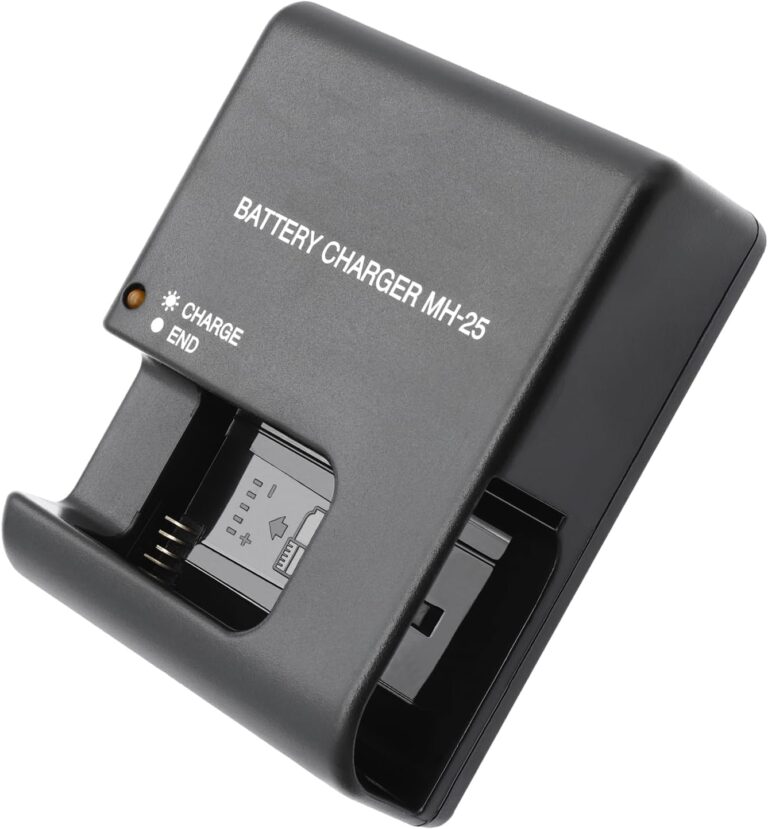
How do I charge a camera battery?
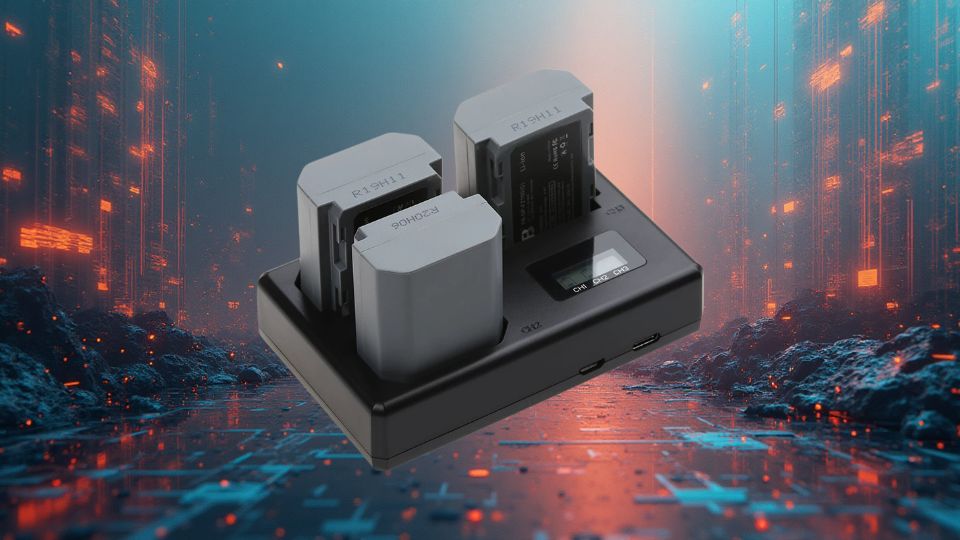
Running out of battery during crucial moments is every photographer’s nightmare. I learned this the hard way during a sunrise shoot in the mountains.
To charge a camera battery properly, use the manufacturer’s charger, plug it into a power source, and wait until the indicator light turns green. Avoid overnight charging to prevent overheating damage.

Charging seems simple, but doing it wrong can ruin your battery fast. Understanding the details helps avoid costly mistakes. Let’s explore everything about charging camera batteries properly.
How do I know if a camera battery is charged?
Ever unplugged your battery only to find it dies minutes later? Recognizing true full charge prevents these frustrating surprises.
Most camera batteries show charge status through LED indicators – green means fully charged, red indicates charging. Some models display battery percentage on the camera screen.

Modern camera batteries use three main methods to show charge status:
-
LED Indicators (most common)
- Red light: Charging in progress
- Green light: Fully charged
- Blinking light: Possible error
-
On-Screen Display (higher-end cameras)
- Shows exact battery percentage
- Often includes estimated remaining shots
-
Third-Party Chargers
- May have different color codes
- Always check manual for specific meanings
| Indicator Type | Meaning | Reliability |
|---|---|---|
| Single LED | Red=Charging, Green=Full | High |
| Multi-segment LED | Shows charge level increments | Medium |
| Numerical Display | Exact percentage shown | Highest |
For most accurate readings:
- Let battery sit briefly after charging
- Check status in-camera when possible
- Never trust old or damaged chargers
Temperature affects readings too. Cold batteries may show lower charge than actual capacity. Let them warm to room temperature for accurate measurement.
Can I charge a camera battery without a charger?
Lost your charger before a big shoot? Don’t panic – there are backup methods, though they come with risks.
Emergency charging without the original charger is possible using universal chargers, USB charging cables, or power banks, but may reduce battery lifespan if used frequently.

When your dedicated charger isn’t available, consider these alternatives carefully:
-
Pros:
- Supports multiple battery models
- Often cheaper than OEM chargers
- Available at most camera stores
-
Cons:
- May not have proper voltage regulation
- Can overcharge if left unattended
- Quality varies widely
2. USB Charging Cables
-
Best for:
- Travel emergencies
- Battery models with USB ports
-
Limitations:
- Very slow charging
- Not all batteries support this
- Requires high-quality cable
3. Power Banks2
- Usage Tips:
- Use only with USB-chargeable batteries
- Select power bank with "smart" charging
- Monitor battery temperature
For frequent travelers, I recommend keeping two charging options – your original charger plus one emergency backup. Never use makeshift methods like connecting wires directly to battery contacts – this risks fires or permanent damage.
How can I charge my camera battery if I lost the charger?
A lost charger shouldn’t mean lost shooting opportunities. Smart photographers prepare backup solutions beforehand.
Replace lost chargers with official OEM versions for best results, or verify compatibility carefully when choosing third-party alternatives to avoid damaging your expensive batteries.

Losing your charger requires careful replacement decisions:
Finding Exact Replacements
- Check battery compartment for model numbers
- Search manufacturer website using your camera model
- Verify voltage and connector type match exactly
Third-Party Options Evaluation Criteria
- Voltage must match exactly (±5% tolerance)
- Connector polarity must be correct
- Should have overcharge protection
- Preferably with certification marks (CE, UL, etc.)
Emergency Solutions Ranked by Safety
| Method | Safety Level | Effectiveness | Cost |
|---|---|---|---|
| OEM Replacement | ★★★★★ | ★★★★★ | $$$ |
| Certified Universal | ★★★★☆ | ★★★★☆ | $$ |
| USB Charging | ★★★☆☆ | ★★☆☆☆ | $ |
| Diy Solutions | ★☆☆☆☆ | ★☆☆☆☆ | – |
Pro Tip: When ordering replacements, buy from authorized dealers. Counterfeit chargers may look identical but lack crucial safety features, putting your equipment at risk.
Can I revive a dead camera battery?
That "dead" battery might not be completely gone. With proper techniques, you can sometimes squeeze out extra life.
Some apparently dead batteries can be revived through deep discharge/recharge cycles or freezer methods, but success depends on actual battery condition and age.

Before declaring a battery dead permanently, try these revival methods:
Method 1: Deep Cycle Charging
- Drain completely (use camera until it won’t turn on)
- Charge uninterrupted for 8+ hours
- Repeat 2-3 times if needed
Method 2: Freezer Technique (Li-ion Only)
- Seal battery in airtight bag
- Freeze for 8-12 hours
- Thaw completely before charging
Battery Condition Assessment
| Symptom | Revival Chance | Recommended Action |
|---|---|---|
| Won’t hold charge | 50% | Deep cycle charge |
| Swollen casing | 0% | Replace immediately |
| Less than 2 years old | 70% | Try revival methods |
| Over 3 years old | 20% | Likely needs replacement |
Important: Never attempt revival on physically damaged batteries. Swollen or leaking batteries require proper disposal – continuing to use them risks fire or explosion.
Conclusion
Proper charging extends battery life, while smart emergency solutions prevent missed shots. Always prioritize safety when dealing with camera batteries.