Camera Battery Not Charging? 10 Common Reasons and Solutions
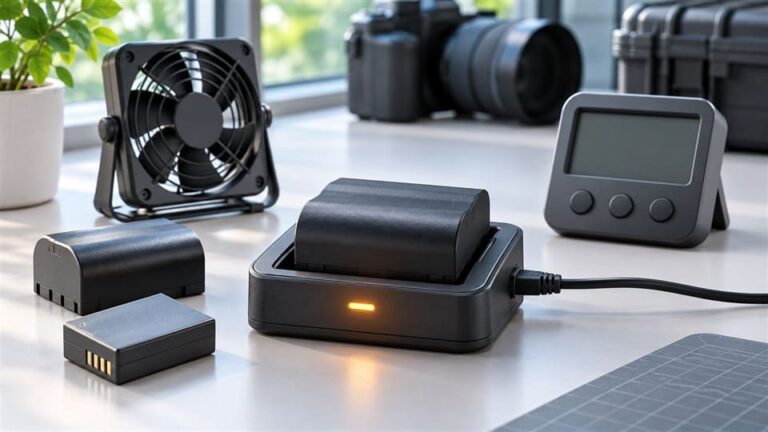
A camera battery not charging can feel like a big problem, especially when you need your camera for work, travel, or a customer demo. The annoying part is that many people buy a new battery too quickly. I usually suggest a simple check sequence first, because the cause may be the charger, cable, contacts, or power source.
A camera battery may not charge because of a bad outlet, weak USB adapter, damaged cable, dirty contacts, poor battery seating, wrong charger, model incompatibility, over-discharge, extreme temperature, or real battery failure. Check the cheapest and easiest causes first before replacing the battery. Stop using any swollen, leaking, overheated, or damaged battery.1
I handle many customer questions about camera batteries and chargers, especially from retailers and users in African and Latin American markets. In my experience, the best answer is not “buy a new one” first. The best answer is: test step by step, then decide what to replace.
Camera Battery Not Charging: What Should I Check First?
A camera battery not charging problem often starts with something simple. The problem is that users usually blame the battery first. That can lead to unnecessary returns, wrong purchases, and frustrated customers. I prefer to start with the lowest-cost checks before assuming the battery is defective.
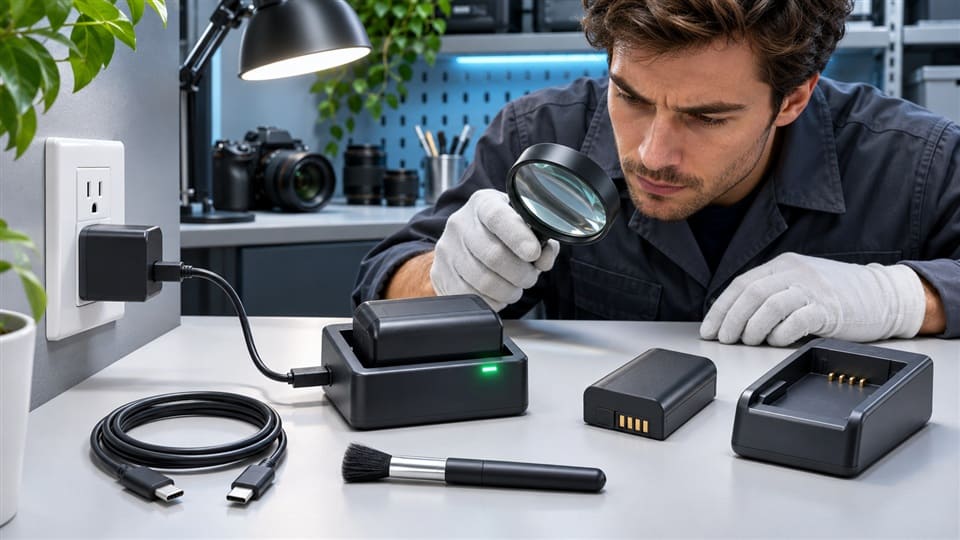
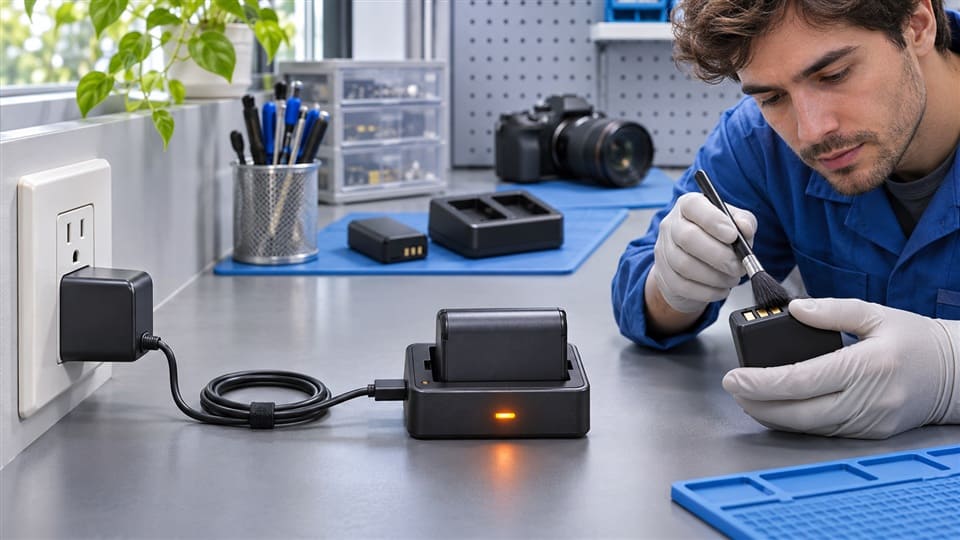
The first things to check are the power outlet, adapter, USB cable, charger light, battery seating, and metal contacts. If all of these look correct, then check battery age, storage condition, temperature, and compatibility. This order helps you find simple problems before spending money on a replacement.
Dive deeper
When a customer tells me, “The battery is dead,” I usually ask a few basic questions first. I do this because a camera charging problem often comes from the charging path, not the battery cell itself.
Here is the order I recommend:
-
Check the wall outlet
- Plug in another device.
- Try another socket.
- Avoid loose extension boards.
-
Check the USB adapter
- Some chargers need a stable 5V/2A adapter.
- A weak phone adapter may not provide enough current.
- Cheap adapters may drop power under load.
-
Check the USB cable
- A cable can power a phone but still fail with a charger.2
- Try a shorter, better cable.
- Look for broken ends or loose plugs.
-
Check the charger indicator
- Red, orange, or flashing lights often mean charging.
- Green may mean full, standby, or no battery detected.
- Always compare with the charger’s instructions.
-
Reseat the battery
- Remove the battery.
- Insert it again firmly.
- Make sure it touches the charger terminals.
-
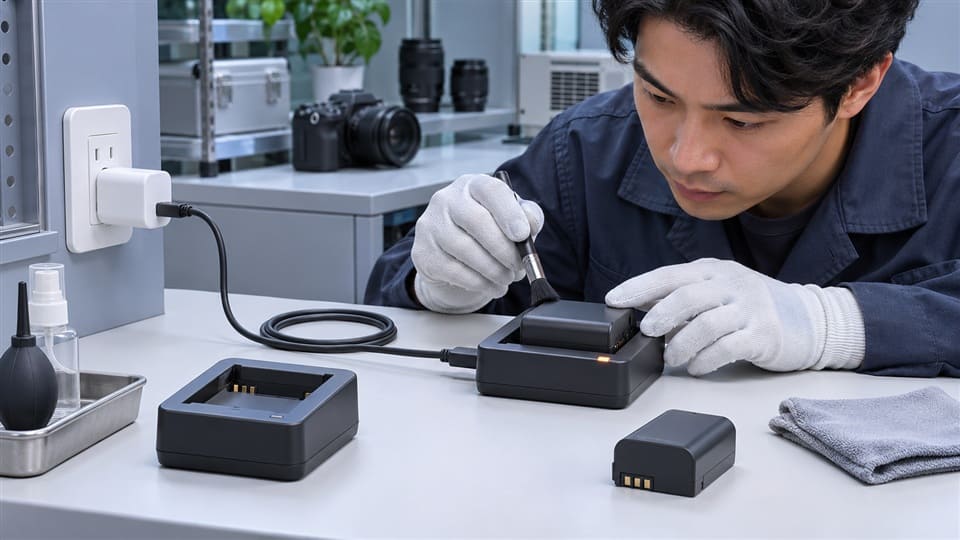
Clean the metal contacts
- Use a dry soft cloth.
- Do not scrape the contacts with sharp tools.
- Avoid water or aggressive chemicals.
Here is a simple table retailers can use with customers:
| Check Point | Possible Problem | Simple Solution |
|---|---|---|
| Wall outlet | No power or unstable power | Try another socket |
| USB adapter | Too weak or poor quality | Use a stable adapter |
| USB cable | Broken inside or loose | Try another cable |
| Charger light | No indicator | Test another power source |
| Battery seating | Not fully inserted | Reinsert battery firmly |
| Metal contacts | Dirt or oxidation | Clean gently with dry cloth |
For local camera accessory retailers, this checklist is useful at the counter. I often suggest saying:
“Let’s check the charger and contact points before assuming the battery is defective.”
That sentence calms the customer and makes the process feel fair. It also reduces unnecessary returns.
Is Your Camera Battery Not Charging Because the Charger or Cable Is Wrong?
A camera battery not charging issue can come from the charger or cable even when everything looks normal. The problem becomes more confusing because some lights may still turn on. A charger can receive power but still fail to charge the battery correctly.
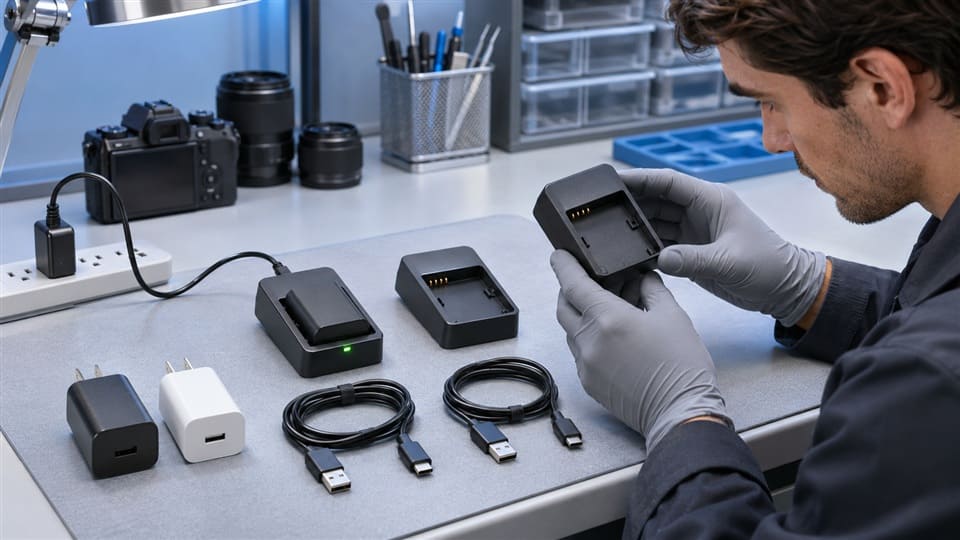
Yes, the charger, cable, or adapter can stop charging. A damaged cable, weak adapter, loose charger slot, or wrong charging dock may prevent current from reaching the battery. Test with a known working cable, adapter, and charger before replacing the battery.
Dive deeper
I have seen many cases where the battery was blamed, but the real issue was the cable or charger. This happens often with USB-powered camera chargers. The charger may light up, but the power may not be stable enough to charge properly.
Here are four common reasons:
-
Reason 1: Weak USB adapter
- Some users use an old phone adapter.
- Some adapters only provide low output.
- The charger may turn on but not charge well.
-
Reason 2: Damaged USB cable
- The outside may look fine.
- The inside wire may be broken.
- The connector may be loose.
-
Reason 3: Faulty charger slot
- The battery may not sit tightly.
- The contacts may not align.
- A drop or pressure may damage the slot.
-
Reason 4: Wrong charger type
- A battery may physically fit.
- The voltage or pin layout may be different.
- The charger may not recognize the battery.
This is why “the light is on” does not always mean “the charging system is good.” Some chargers use simple indicator lights. Others use more advanced detection. A green light could mean full charge, but it could also mean the charger does not detect the battery.
Practical test sequence
Use this simple method:
- Try the same charger with another compatible battery.
- Try the same battery with another compatible charger.
- Change the USB cable.
- Change the wall adapter.
- Check whether the charger light changes after inserting the battery.
If the battery charges in another charger, the charger may be the problem. If another battery charges in the same charger, the first battery may be the problem. This comparison is simple, but it helps a lot.
For retailers, I suggest keeping one tested charger and one tested battery for common models. This small setup can reduce arguments and help customers understand the real cause.
Is Your Camera Battery Not Charging Because of Compatibility?
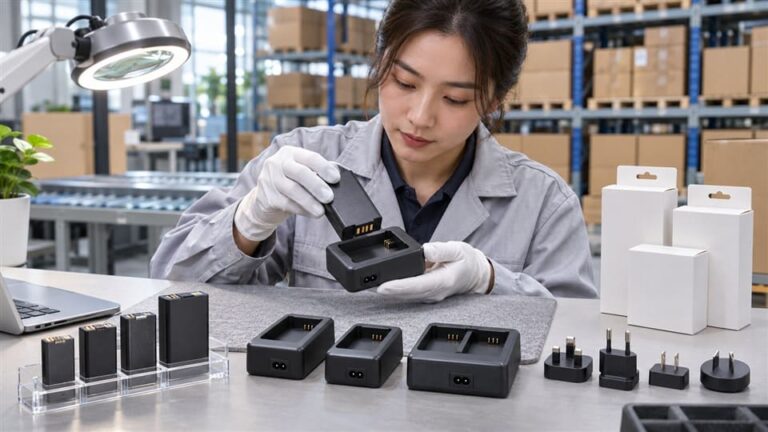
A camera battery not charging problem is sometimes caused by compatibility, even when the battery fits into the charger. This is a hidden issue. Many users think size is the only factor. In real use, model number, voltage, contacts, charger design, and battery recognition all matter.
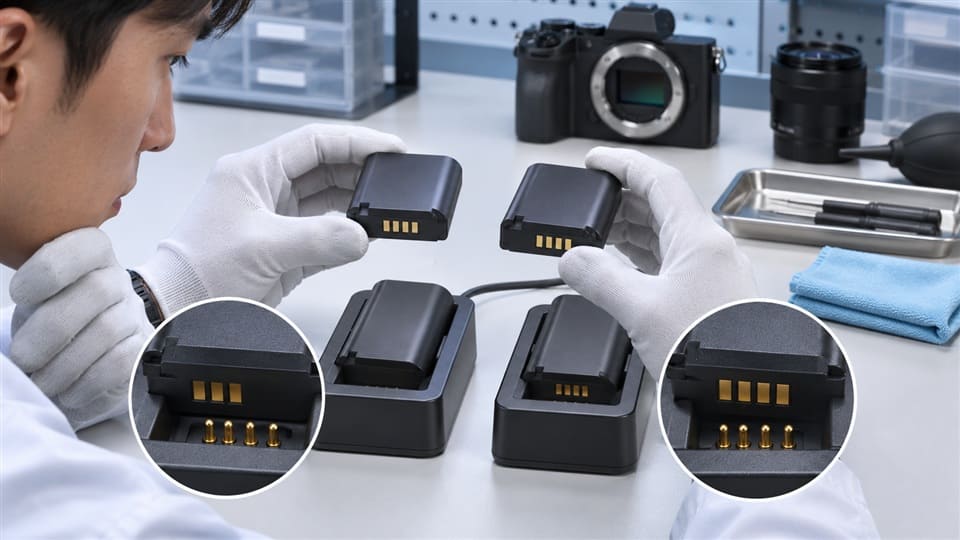
Yes, compatibility can stop charging. A battery may fit physically but still fail if the model number, voltage, contact layout, chip recognition, or charger design does not match. Always compare the camera model, battery model, voltage, and charger specification before use.
Dive deeper
This is one of the biggest issues I see in camera battery and charger support. Customers often say, “It fits, so why does it not charge?” I understand the logic. But camera batteries are not only plastic shapes with metal terminals.
A compatible battery must match several things.
What compatibility really means
| Compatibility Factor | Why It Matters |
|---|---|
| Battery model number | Similar-looking batteries can have different designs |
| Voltage | Wrong voltage can prevent charging or create risk |
| Contact layout | Terminals must align correctly |
| Charger design | Some chargers support only certain battery families |
| Recognition chip | Some systems need electronic communication |
| Battery size and lock | Poor seating can stop contact |
For example, two camera batteries may look almost the same. One may be 7.2V and another may be 7.4V. That difference may be acceptable in some systems but not in others. Some batteries also include protection circuits or recognition chips. If the charger cannot communicate correctly, it may refuse to charge.
“Fits” does not always mean “works”
This point is important for end users and retailers. A battery that slides into the charger is not automatically compatible. The charger contacts may touch the wrong points, or the charger may not deliver the right charging profile.
I do not recommend fear-based thinking about third-party batteries or chargers. Many compatible products work well when they are correctly matched and properly made. The key is to check the details before buying.
What I suggest checking before purchase
Before buying a replacement, compare:
- Original battery model number
- Camera model
- Battery voltage
- Battery capacity range
- Charger input and output
- Contact position
- Seller compatibility list
- Return and after-sales support
For buyers in Africa and Latin America, I also suggest checking supply consistency. A retailer may sell the correct battery today, but the next batch must also match the same specification. Good supplier communication matters because it reduces customer complaints later.
When Is a Camera Battery Not Charging a Safety Warning?
A camera battery not charging issue can be normal protection behavior, but it can also be a warning sign. The hard part is knowing the difference. Some batteries only need time, cleaning, or the right temperature. Others should be removed from use immediately.
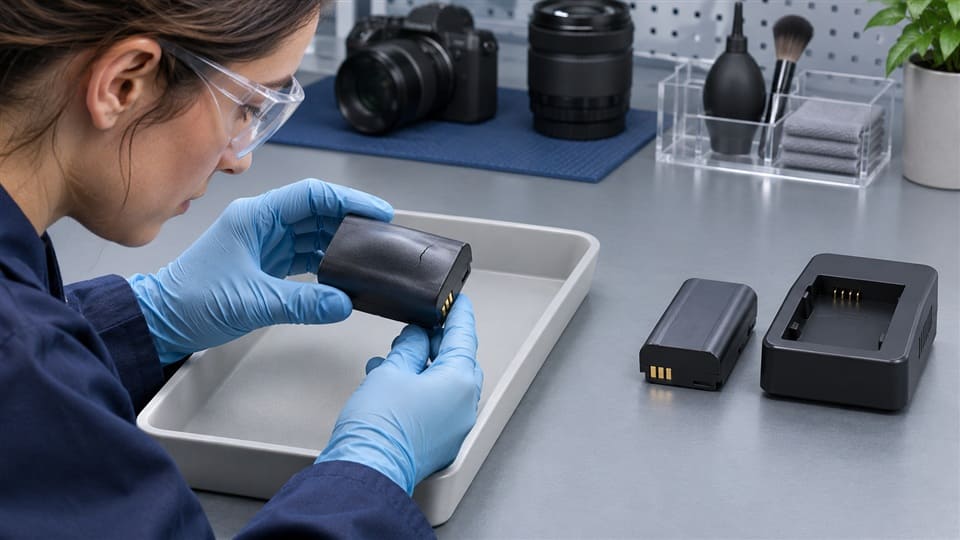
Stop using the battery if it is swollen, leaking, cracked, burned, unusually hot, or smells strange. Do not force-charge a damaged battery. If the battery is only cold, hot, deeply discharged, or stored too long, let it return to safe room temperature and test it carefully with a compatible charger.
Dive deeper
Not every charging failure means the battery is dead. Lithium-ion camera batteries include protection circuits.3 These circuits can stop charging in certain conditions. This is usually designed to reduce risk.
Normal protection situations
A battery may refuse to charge temporarily because of:
-
High temperature
- The battery may be too hot after heavy shooting.
- Let it cool down before charging.
-
Low temperature
- Cold weather can slow charging.
- Move the battery to a normal indoor temperature.
-
Over-discharge
- A battery stored empty for a long time may drop too low.4
- Some chargers may not wake it up.
-
Long storage
- Batteries stored for months may lose charge.
- A battery should be stored partly charged when possible.5
-
Dirty contacts
- Dust, sweat, or oxidation can block current.
- Gentle cleaning may solve the issue.
In customer support, I often see batteries that were stored for a long time after travel or seasonal use. The user expects the battery to work immediately, but the voltage may be too low. Sometimes a compatible charger can recover it. Sometimes it cannot.
Real warning signs
Do not keep testing if you see:
- Swelling or bulging
- Liquid leakage
- Burn marks
- Melted plastic
- Cracked case
- Strong chemical smell
- Battery becomes very hot quickly
- Charger becomes unusually hot
In these cases, safety comes first. I would not recommend using or selling that battery again. Retailers should also avoid putting such batteries back into stock or display.
What retailers can say
A simple explanation helps:
“This battery may be in protection mode, but if it is swollen or leaking, we should not charge it again.”
That wording is practical and honest. It does not create panic, but it sets a clear safety boundary.
How Can You Decide Whether to Replace the Battery or Charger?
A camera battery not charging situation becomes expensive when people replace parts blindly. The problem is that the battery, charger, cable, and adapter all work together. If you replace the wrong part, the same problem may continue.
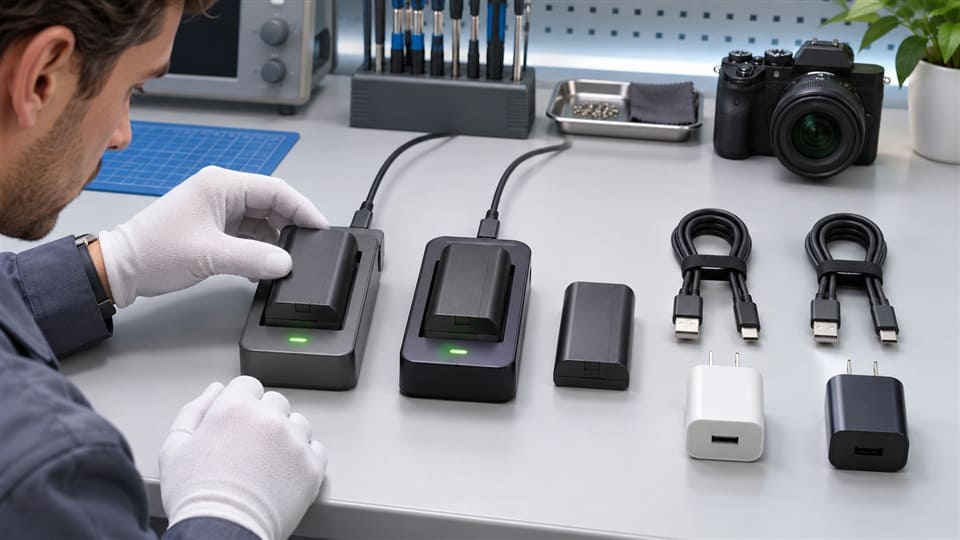
Replace the part that fails comparison testing. If the battery charges in another compatible charger, replace the charger. If another battery charges in your charger but yours does not, replace the battery. If changing the cable or adapter solves it, keep the battery and charger.
Dive deeper
The best decision comes from comparison testing. I like this method because it is simple and does not require advanced repair tools. It is also useful for retailers who need to explain the result to customers quickly.
Use this decision guide
| Test Result | Likely Cause | Best Next Step |
|---|---|---|
| Battery charges in another charger | Charger problem | Replace charger |
| Another battery charges in your charger | Battery problem | Replace battery |
| Nothing charges in your charger | Charger, cable, or adapter issue | Test cable and adapter |
| Charger works after cable change | Cable problem | Replace cable |
| Charger works after adapter change | Power adapter problem | Replace adapter |
| Battery is swollen or leaking | Unsafe battery | Stop use and replace safely |
| Battery fits but will not charge | Compatibility issue | Recheck model and voltage |
The 10 common reasons and quick solutions
Here is the full list in one place:
- No power from outlet — Try another socket.
- Weak USB adapter — Use a stable power adapter.
- Bad USB cable — Test another cable.
- Charger indicator problem — Compare with another battery.
- Battery not seated correctly — Reinsert firmly.
- Dirty metal contacts — Clean gently with a dry cloth.
- Wrong charger — Match the exact battery family.
- Compatibility mismatch — Check model, voltage, contacts, and recognition.
- Temperature or storage issue — Let the battery return to room temperature.
- Battery failure or damage — Stop use if damaged; replace safely.
I always prefer this approach because it protects the customer’s money. It also protects the retailer’s reputation. If a shop can explain the issue clearly, customers trust the shop more.
For wholesale buyers and local distributors, I recommend preparing simple compatibility charts for common camera models. A clear chart helps sales staff avoid wrong recommendations. It also helps after-sales teams handle complaints faster.
Frequently Asked Questions
Why is my camera battery not charging even though the charger light is on?
The charger light may show that power is entering the charger, but it does not always prove the battery is charging. The cable, adapter, charger slot, or battery contacts may still have a problem. Test with another compatible battery or charger.
Can a camera battery stop charging after long storage?
Yes. A camera battery can lose charge during long storage. If the voltage drops too low, some chargers may not start charging. Try a confirmed compatible charger. If the battery is swollen, leaking, or overheating, stop using it.
Does a third-party camera battery need a special charger?
It depends on the battery design. A compatible third-party battery should match the model, voltage, contact layout, and charger requirements. “It fits” is not enough. Always check the seller’s compatibility information before buying.
Should I clean camera battery contacts with alcohol?
A dry soft cloth is the safest first step. If contacts are heavily dirty, some users use proper electronics cleaning methods, but avoid water, sharp tools, and aggressive chemicals. If you are unsure, ask a qualified repair professional.
When should I replace my camera battery?
Replace the battery if it fails in a known working compatible charger, drains very quickly, overheats, swells, leaks, or has physical damage. Also consider replacement if it is old and no longer holds enough charge for normal use.
Conclusion
A camera battery not charging does not always mean the battery is dead. I recommend checking the outlet, adapter, cable, charger indicator, battery seating, contacts, compatibility, temperature, and safety condition before buying a replacement. This simple order saves money and reduces wrong returns. If you are a retailer or distributor looking for compatible camera batteries and chargers, I can help you compare models, charging requirements, and supply options for your local market.
-
"Battery Safety", https://www.ehs.iastate.edu/battery-safety. Government safety guidelines warn against using damaged batteries due to risks of fire, leakage, or explosion. Evidence role: expert_consensus; source type: government. Supports: The safety risks of using swollen, leaking, or damaged batteries.. ↩
-
"USB hardware", https://en.wikipedia.org/wiki/USB_hardware. Research on USB cable power delivery highlights that cables may vary in their ability to handle different current loads, affecting compatibility with chargers. Evidence role: mechanism; source type: research. Supports: The potential for USB cables to fail with chargers despite working with phones.. ↩
-
"Overcharge Protection Prevents Exploding Lithium Ion …", https://ipo.lbl.gov/2014/08/20/lbnl3263/. Educational materials on lithium-ion batteries confirm that protection circuits are commonly included to prevent overcharging, overheating, and over-discharging. Evidence role: mechanism; source type: education. Supports: The inclusion of protection circuits in lithium-ion camera batteries.. ↩
-
"Self-discharge", https://en.wikipedia.org/wiki/Self-discharge. Research on lithium-ion batteries shows that prolonged storage without charge can lead to deep discharge, making it difficult for some chargers to recharge the battery. Evidence role: mechanism; source type: research. Supports: The impact of long-term storage on lithium-ion battery charge levels.. ↩
-
"Lithium-ion Battery Safety", https://www.osha.gov/sites/default/files/publications/OSHA4480.pdf. Battery storage guidelines recommend storing lithium-ion batteries at a partial charge to prevent capacity loss over time. Evidence role: expert_consensus; source type: education. Supports: The recommendation to store batteries partially charged for long-term storage.. ↩